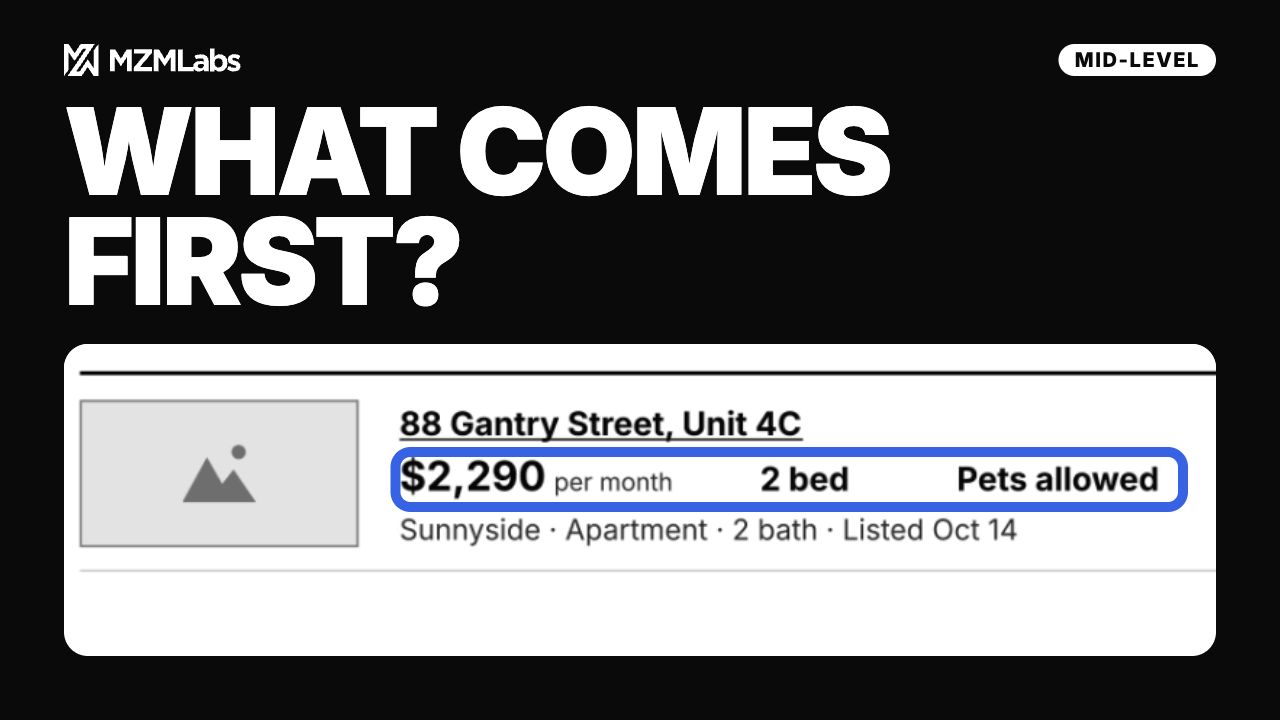
Strengthen comparison
Prioritize the details people use to compare homes, then make the hierarchy repeat consistently across every listing.

Friction, Explained
See how a mid-level design review improves listing hierarchy, filter choices, monthly rent controls and feedback while preserving the original task.
What this lesson covers
Strengthen comparison
Prioritize the details people use to compare homes, then make the hierarchy repeat consistently across every listing.
Support precise input
Keep the slider for quick exploration and add exact minimum and maximum fields for precision and keyboard access.
Clarify pending changes
Show which filters have changed before Apply, then confirm when the results update.
Use spacing to show relationships
Apply consistent alignment and spacing so each filter reads as a clear group rather than a collection of separate controls.
Chapters
Continue reading
You do not need to diagnose it first. Tell us where the product experience feels confusing, inconsistent or harder to use than it should. We will help you decide whether a closer look is worthwhile.
Book a discovery call